
Designing for User Confidence
Users don’t abandon because they don’t like you.
They leave because they’re unsure.
Uncertainty creates friction. Friction creates hesitation. Hesitation creates drop-offs.
User confidence design removes doubt before asking for action. It builds emotional safety into every click, scroll, and decision.
If you’re a product owner in a growth stage, this matters. Because confidence doesn’t just improve experience, it protects revenue.
Why Users Hesitate (And What It Costs You)
Hesitation is rarely dramatic. It’s subtle.
A pause before clicking.
A scroll back up.
A second-guess.
The Psychology Behind Abandonment
In usability psychology, uncertainty activates cognitive load. When users must think too hard, the brain flags risk.
The brain prefers safety over speed.
If your interface triggers questions like:
- “Is this secure?”
- “What happens next?”
- “Did I just make a mistake?”
You’ve already lost momentum.
Confidence is not a visual style. It is the removal of unanswered questions.
For growth-stage businesses, hesitation equals lost conversions. Every moment of doubt increases the chance of abandonment.
If you’ve ever analyzed drop-off points and found “no obvious issue,” the problem may not be usability errors. It may be emotional uncertainty.
Others’ point of view:
Usability researchers repeatedly note that trust and clarity are persistent drivers of behavior, Jakob Nielsen and NN/g highlight that design quality, clear disclosure, up-to-date content, and external connections are core credibility factors for websites.
Large-scale e-commerce research shows high abandonment rates tied to friction in flows, Baymard Institute reports that the global average cart abandonment rate remains around ~70% and that long or complex checkout processes are a leading cause. Reducing unnecessary form fields and clarifying requirements reduces cognitive load and abandonment.
The Foundations of Trust-Driven Design
Trust-driven design is not decoration. It’s structural.
It answers the user’s unspoken fears before they arise.
1. Predictability Over Surprise
Users gain confidence when patterns are consistent.
Buttons look clickable.
Links behave like links.
Errors explain themselves.
When interaction patterns shift unexpectedly, users slow down.
Predictability reduces cognitive strain. It creates a feeling of control.
Expert opinion:
Google’s work on trust design lays out principles showing that predictable, transparent interfaces help users assess risk quickly; their guidance emphasizes clear cues and consistent behaviour as trust amplifiers.
2. Visible Safety Signals
Confidence grows when safety is explicit.
- Clear privacy explanations
- Transparent pricing
- Real testimonials
- Clear return policies
These are not “marketing add-ons.” They are emotional stabilizers.
A checkout page without visible reassurance increases anxiety. Even small additions, like microcopy explaining what happens after payment, can reduce drop-offs.
e-commerce Case study:
Merchants who reduced checkout friction and adopted simplified one-page or one-click flows often see measurable lifts—Shopify case studies show single-page/Shop Pay implementations producing conversion uplifts for merchants (e.g., Hemlock & Oak, Everlane reported improved checkout conversion after streamlining and using Shop Pay).
(For deeper context on brand clarity and conversion alignment, see our guide on Visual Hierarchy and Decision-Making.)
Designing for Clarity Before Action
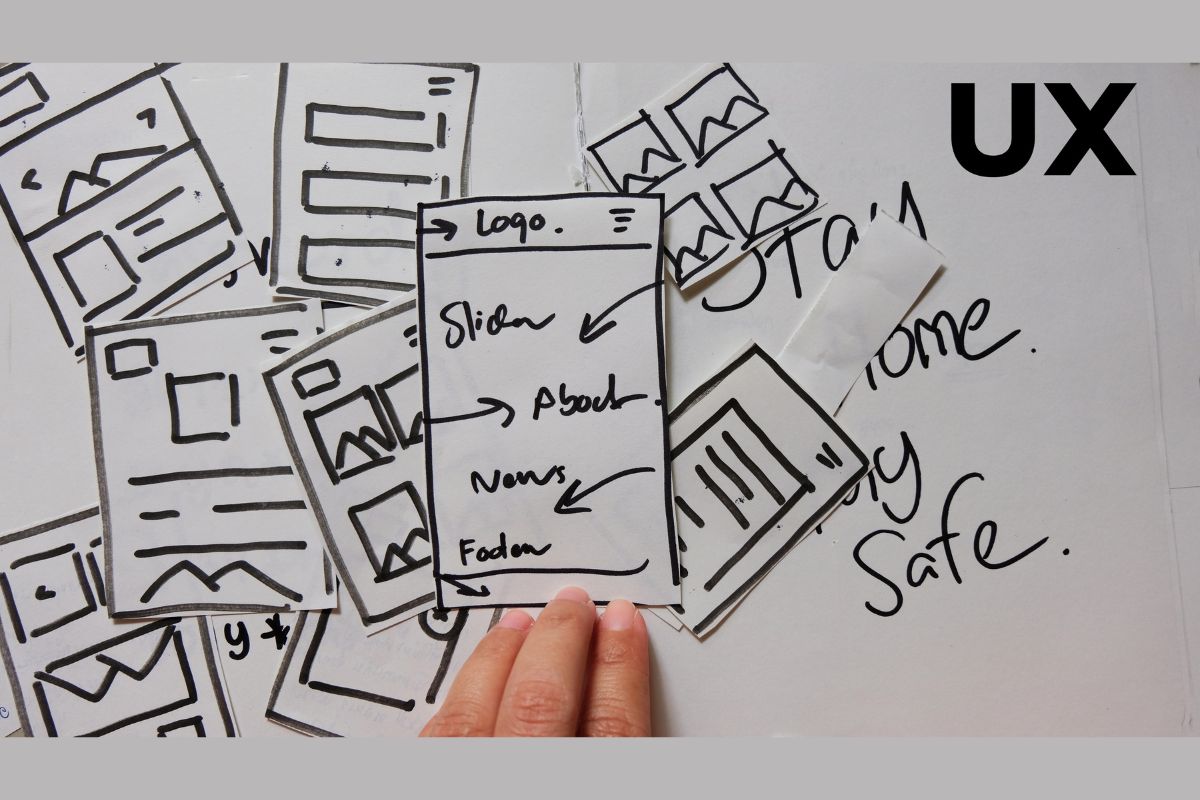
Design should remove doubt before it asks for commitment.
That means clarity must come first.
Reduce Cognitive Load
When users see too many choices, they freeze.
Limit:
- Competing CTAs
- Complex navigation
- Dense information blocks
Structure guides confidence.
White space is not empty space. It’s breathing space.
Expert view:
Jakob Nielsen’s heuristics and NN/g usability research reinforce that simplification and visibility of system status reduce mental effort and increase task completion rates.
Make Consequences Clear
Users hesitate when outcomes are unclear.
Before asking them to:
- Sign up
- Book a demo
- Start a trial
Answer:
- Is this free?
- Can I cancel?
- What happens next?
Confidence increases when users understand the path ahead.
Data & measurement tip:
Track micro-conversions and time-to-task. UXMatters and recent UX research advise combining analytics with qualitative testing to locate hesitation moments (e.g., longer time-to-click on a CTA indicates doubt).
When users understand the next step, they take it faster.
Confidence Reflects Brand Competence
Users judge your capability through your interface.
A confusing layout signals disorganization.
Inconsistent messaging signals instability.
Confidence equals competence.
When your product feels structured, predictable, and clear, users assume your business is the same.
This is where UX connects directly to brand experience.
If your growth strategy includes scaling trust, your UX must communicate stability.
Point of view from industry research:
PwC’s Global Digital Trust research shows C-suite alignment on digital trust and that users’ perceptions of security and reliability influence their willingness to transact, trust impacts business outcomes beyond UX alone.
Check Out:
A Simple Framework for User Confidence Design
If you want a practical lens, use this checklist:
- Clarity, Is the purpose obvious within 5 seconds?
- Consistency, Do elements behave predictably?
- Transparency, Are costs, processes, and outcomes clear?
- Guidance, Does the interface lead users step-by-step?
- Reassurance, Are safety signals visible at key decisions?
If any step creates doubt, refine before optimizing.
Growth-stage companies often chase features. But confidence often scales faster than complexity.
Case study (UX audit → lift):
Multiple independent UX audits and case studies show that focused checkout and flow simplifications can yield conversion lifts, public case examples, and industry writeups show lifts ranging from modest single-digit percentages up to 20%+ when checkout friction is removed, and trust signals are added. (See aggregated Baymard benchmarks and UX case studies for examples.)
Frequently Asked Questions
- What is user confidence design?
User confidence design is the intentional removal of doubt in digital experiences. It applies usability psychology and trust-driven design principles to reduce hesitation and increase completion rates. (See Google and NN/g guidance on trust and usability heuristics.)
- How does it reduce drop-offs?
When users feel safe and certain, they move forward. Reducing ambiguity lowers cognitive load, which decreases abandonment at key decision points. Baymard’s checkout data underlines how long, unclear flows correlate strongly with abandonment.
- Is confidence design only about security features?
No. Security is part of it, but clarity, predictability, transparency, and guidance are equally important in building trust. Nielsen Norman Group and other UX authorities warn that relying solely on badges or visuals without structural clarity is insufficient.
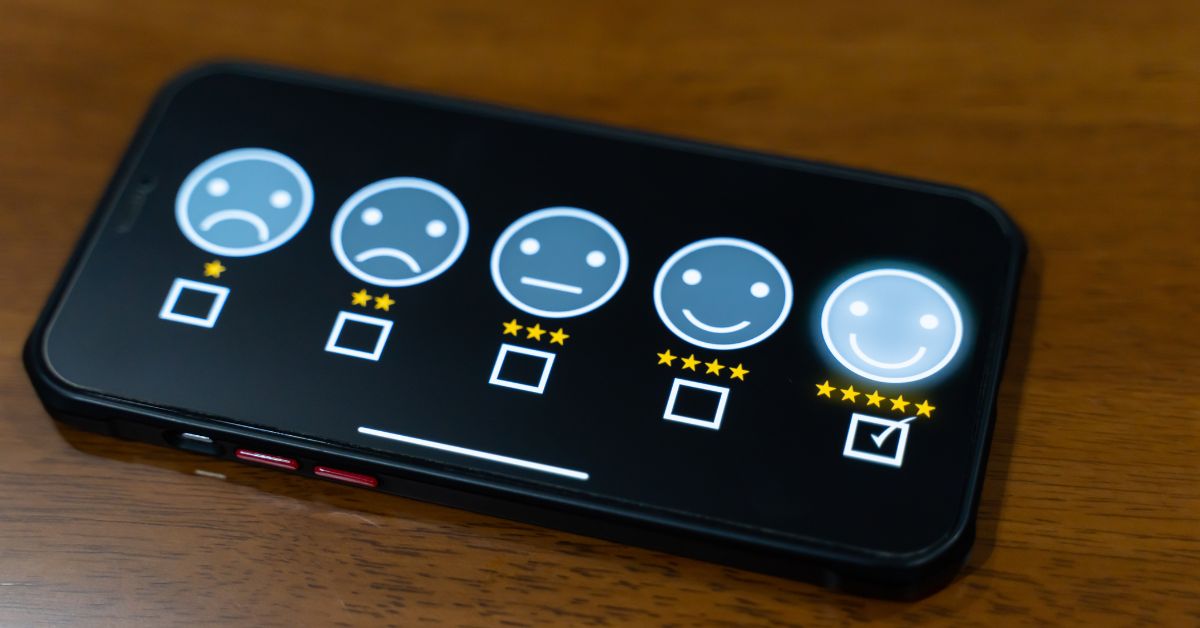
- How can I measure user confidence?
Track behavioral signals:
- Reduced form abandonment
- Faster task completion
- Lower bounce rates
- Increased return visits
Combine analytics with qualitative testing (user sessions, moderated tests), industry guidance (NN/g, UXMatters) recommends mixed methods for diagnosing hesitation.
- Does this apply to B2B products?
Yes, especially B2B. Higher stakes increase perceived risk. Confidence design becomes even more critical in demo bookings, onboarding flows, and pricing pages.
In Conclusion
If users hesitate before acting, your growth stalls before it scales.
Audit your product experience through the lens of confidence. If you want a structured evaluation of where doubt lives inside your UX, explore our UX design services or reach out for a confidence-focused experience review.
Design should not persuade through pressure.
It should move users forward because nothing feels uncertain.