
First-Time User Experience: How to Design for the Visitors Who Don’t Know You Yet
You’ve spent months building a product. The marketing is working, traffic is up, signups are climbing. But the numbers tell a quieter story: most of those new users never come back.
Not because the product is bad. Because the first experience didn’t help them understand why it’s good. For growth-stage businesses, this is one of the most expensive problems to ignore, and one of the most fixable.
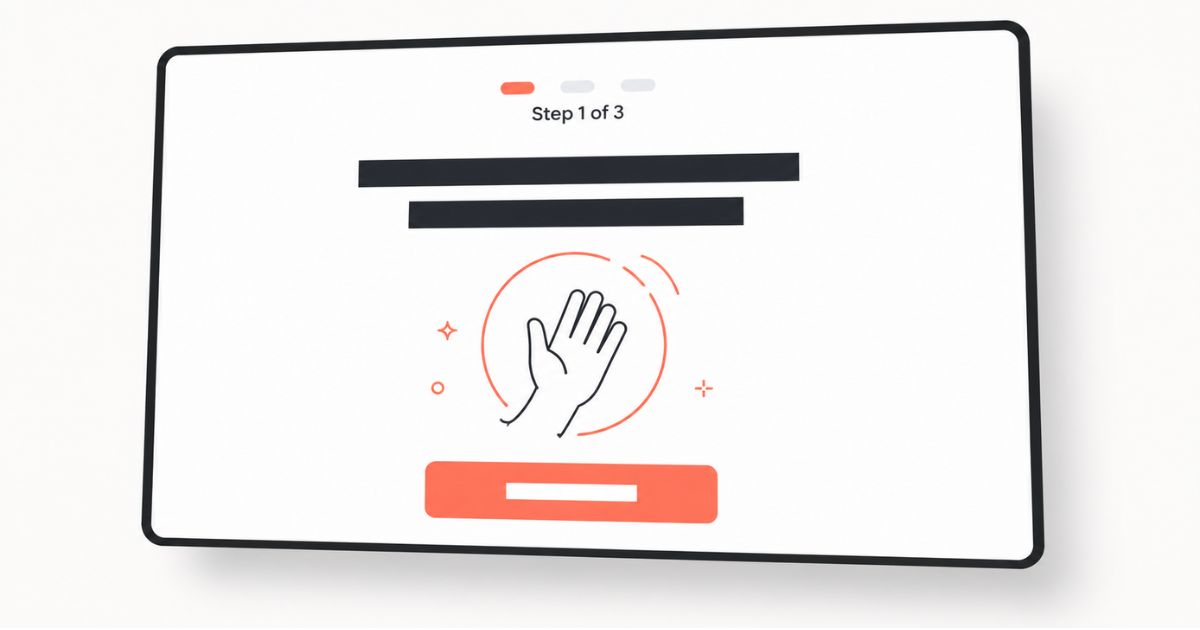
The First-Time Experience Is Where Growth Lives (or Dies)
The data on first-time user attrition is consistent and striking. According to Appcues, 25% of users abandon an app after just one use, and the biggest drop-off in engagement, nearly 75%, happens between Week 0 and Week 1. Not Month 1. Week 1.
That means the majority of your churn problem isn’t a long-term retention issue. It’s a first-impression issue.
This pattern plays out across industries. Poor onboarding experiences in software result in user drop-off rates of 40–60% after signup, and 74% of potential customers will switch to a competitor if the onboarding process feels too complicated. The window between “I’ll try this” and “This isn’t for me” is narrower than most teams realize.
The good news? Small improvements in first-time experience generate disproportionate returns. When HubSpot improved onboarding for their Sidekick product, a 15% increase in Week 1 retention cascaded into 50% more users retained at Week 10, and a 40% increase in revenue from that cohort. The first experience isn’t just a UX concern. It’s a growth lever.
Why First-Time Visitors Think Differently
Here’s what most teams get wrong: they design the first-time experience as a compressed version of the full product experience. They try to show new users everything the product can do, assuming more information leads to more engagement.
It doesn’t. It leads to cognitive overload, and then exit.
First-time visitors aren’t power users. They’re operating under uncertainty. They don’t know your navigation patterns, your terminology, or your value proposition beyond whatever marketing brought them in. Their primary question isn’t “What can this do?” It’s “Can I trust this? Is this for me? Where do I start?”
The Nielsen Norman Group frames this as the difference between System 1 and System 2 thinking. When someone encounters your product for the first time, their brain is running on System 1, fast, automatic, impression-based processing. They’re scanning for visual signals of credibility, simplicity, and relevance. If the interface looks cluttered, unfamiliar, or demands too many decisions upfront, System 1 registers that as friction, and the visitor disengages before System 2 (the slower, analytical brain) ever gets involved.
This is why NNGroup’s research on web credibility consistently identifies design quality as the first indicator of trustworthiness, regardless of culture, industry, or product category. Your first-time experience doesn’t just communicate features. It communicates character.
The Four Stages of a First-Time Visit
Every first-time user moves through four stages, consciously or not. Designing for these stages, in order, is the difference between onboarding that converts and onboarding that confuses.
Stage 1: First Impression (0–3 seconds)
This is the snap judgment. Research from Lindgaard et al. (2006) and confirmed by Google Research demonstrates that users form aesthetic and credibility judgments within 17 to 50 milliseconds. Before a word of copy is read, the design has already communicated trustworthiness, or lack of it.
What this stage needs: A clean, visually simple layout. A single clear headline that communicates the value proposition. No competing calls to action. A design that looks like what the user expects for this type of product.
Stage 2: Orientation (3–30 seconds)
The visitor has decided to stay, for now. They’re scanning to understand what this is, where to go, and what to do first. This is where most first-time experiences break down.
What this stage needs: One obvious next step. Clear navigation labels using the user’s language, not internal jargon. A visible starting point that doesn’t require reading a manual or watching a tutorial. If the product has an empty state, a dashboard with no data yet, that empty state needs to guide, not just sit there.
Stage 3: First Value (1–5 minutes)
This is the make-or-break moment, what product teams call the “aha moment.” It’s the point where the user experiences the core benefit of the product for the first time. For Slack, that’s sending a first message. For Dropbox, uploading a first file. For your product, it’s whatever action demonstrates, rather than describes, the value.
What this stage needs: A short path to a small win. Products with clear empty state guidance see 28% less confusion, and interactive product tours increase feature adoption by 42%. The goal isn’t to teach everything, it’s to deliver one proof point of value.
Stage 4: Commitment (5+ minutes)
If the user has experienced value, this is where the relationship begins. They’re now willing to invest more, creating an account, entering data, inviting teammates, exploring advanced features. But only because the first three stages earned that willingness.
What this stage needs: Gradual depth. Progressive disclosure. The ability to explore at their own pace without losing the context established in the first few minutes.
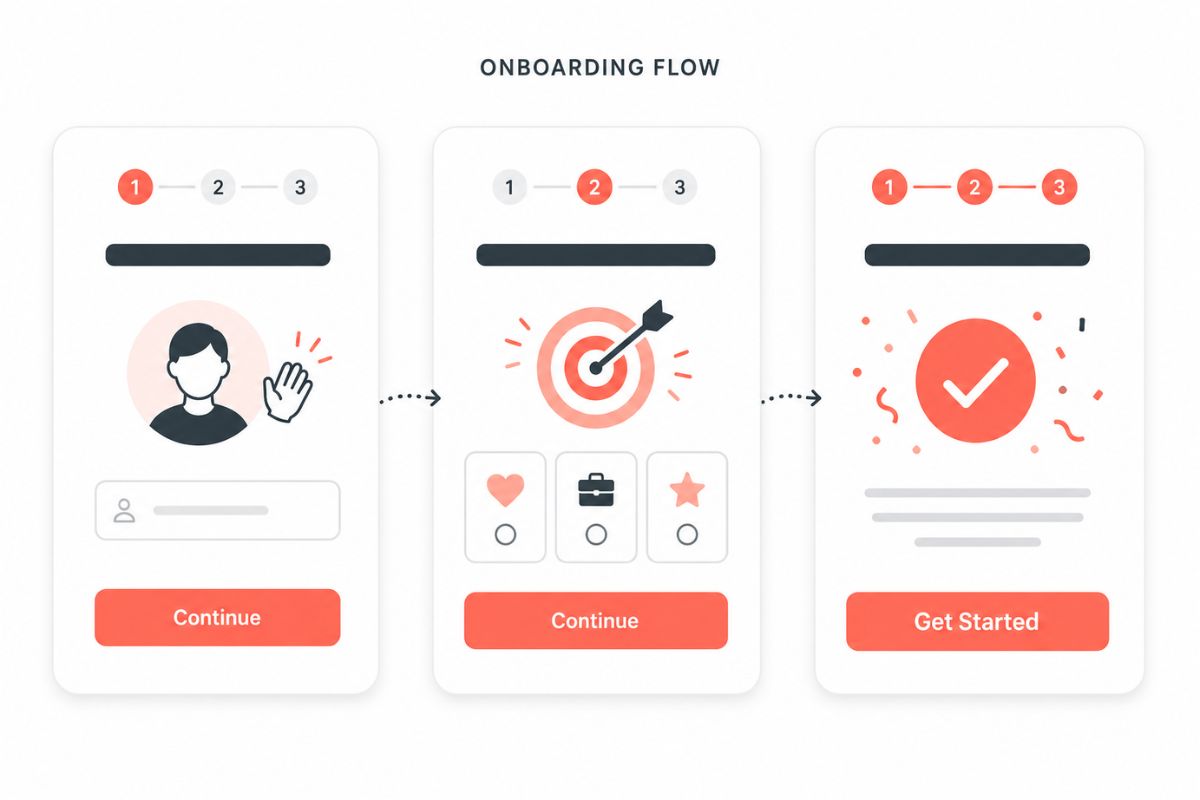
Practical Design Moves for First-Time Visitors
Reduce Decisions, Not Options
The problem is rarely that your product has too many features. It’s that your first-time experience presents too many of them at once. When users face more than three or four choices simultaneously during onboarding, decision fatigue sets in and completion rates drop significantly.
The fix: progressive disclosure. Show only what’s relevant at each stage. Let complexity unfold as the user’s confidence grows, not all at once on the welcome screen.
Design the Empty State as an Onboarding Tool
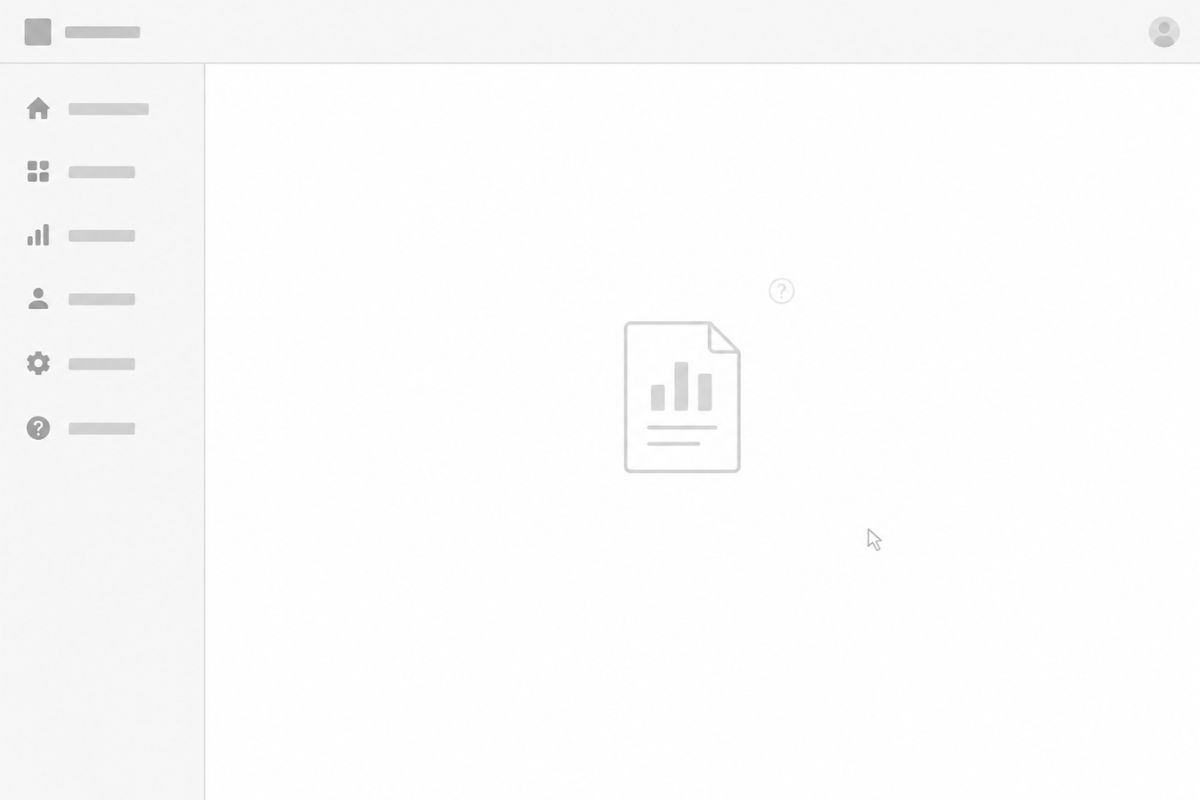
For most products, the first thing a new user sees is an empty dashboard, no data, no activity, no context. This empty state is one of the most underutilized onboarding surfaces in product design.
Instead of a blank screen with a generic “Get started” button, use the empty state to show what success looks like. Provide sample data, example content, or a guided first action. Make the empty state answer the question every new user is asking: “What do I do now?”
Lead with One Action, Not a Tour
Full product tours, the kind that walk users through every feature before they’ve touched anything, tend to overwhelm more than orient. 72% of users abandon apps during onboarding if it requires too many steps.
Instead, get the user to do one meaningful thing. One action that delivers a small result. That single interaction teaches more about your product’s value than a ten-step walkthrough ever could.
Build Trust Before Asking for Investment
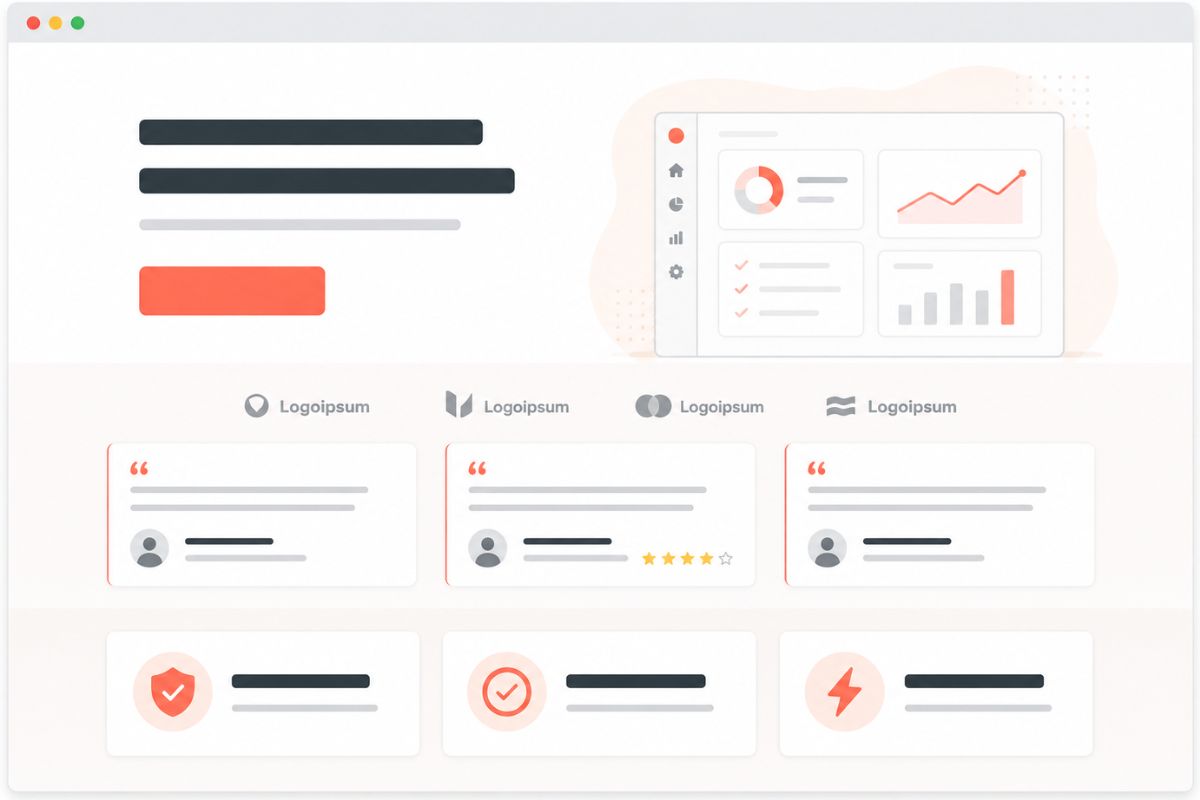
NNGroup’s first-impression research warns against asking for too much too early. A registration wall, a credit card requirement, or a lengthy profile setup before the user has experienced any value is the digital equivalent of asking someone to commit before they’ve decided they’re interested. Provide value first. The commitment will follow.
Frequently Asked Questions
How do I know if my first-time user experience is the problem?
Look at your Week 1 retention. If you’re losing more than 50% of new users within the first week, the issue is almost certainly in the first-time experience, not in the product itself. Complement this with session recordings of new users to see exactly where they hesitate, get confused, or leave.
What’s the difference between onboarding and a product tour?
A product tour shows users features. Onboarding helps users achieve a meaningful outcome. The best onboarding UX doesn’t try to teach everything, it guides users to one valuable action as quickly as possible, then reveals more as they’re ready.
How long should an onboarding flow be?
As short as possible while still delivering the user to their first moment of value. For most products, that means three to five steps, not screens. Each step should require one decision and produce one clear result. If users can’t complete your onboarding in under three minutes, it needs trimming.
Should I personalize the first-time experience?
Yes, if you can do it simply. A short segmentation question (“What’s your primary goal?” or “What’s your role?”) at the start lets you tailor the path without adding friction. Personalized onboarding converts two to three times better than generic flows, and 63% of customers consider the onboarding experience when making a purchasing decision.
Does first-time experience design apply to websites, or just products?
Both. A website is a product, your first-time visitor is evaluating whether your business is relevant, credible, and worth engaging with. The same principles apply: reduce cognitive load, lead with clarity, establish trust before asking for commitment, and make the next step obvious.
The First Experience Sets the Ceiling
You can build the most powerful product in your category. You can write the sharpest copy. You can run the most targeted ads. But if a first-time visitor lands and can’t figure out what to do, where to go, or why they should care, none of it compounds.
The first-time user experience isn’t a feature. It’s the foundation. Everything you build after it, retention, engagement, and advocacy, depends on whether those first few moments earned enough trust for someone to come back.
Design for the person who doesn’t know you yet. That’s where growth starts.
Ready to Turn First-Time Visitors Into Long-Term Users?
If your traffic is growing but your retention isn’t keeping pace, the problem is likely sitting in those first sixty seconds. Adessi helps growth-stage businesses design first-time experiences that explain, orient, and earn trust, so new users become returning ones.