
UX vs UI: Where Strategy Really Lives
The Quiet Frustration Behind “It Looks Great”
A product owner calls a meeting.
The new interface is clean. The colors feel modern. The typography is sharp. The UI design team has delivered exactly what was requested.
But conversions haven’t improved.
Drop-offs still happen at checkout.
Users still abandon the onboarding flow.
Someone says, “Maybe we need a redesign.”
This is where the confusion begins.
When teams talk about UX vs UI, they often treat them as twins. They are not. One defines decisions. The other presents them. And if you invest heavily in one while neglecting the other, results stall.
Let’s separate them clearly and look at where strategy truly lives.
What UX vs UI Actually Means
UX: The Architecture of Decisions
UX (User Experience) is not about screens. It’s about structure.
It answers:
- What problem are we solving?
- What does the user need at this moment?
- What friction prevents action?
- What is the simplest path to value?
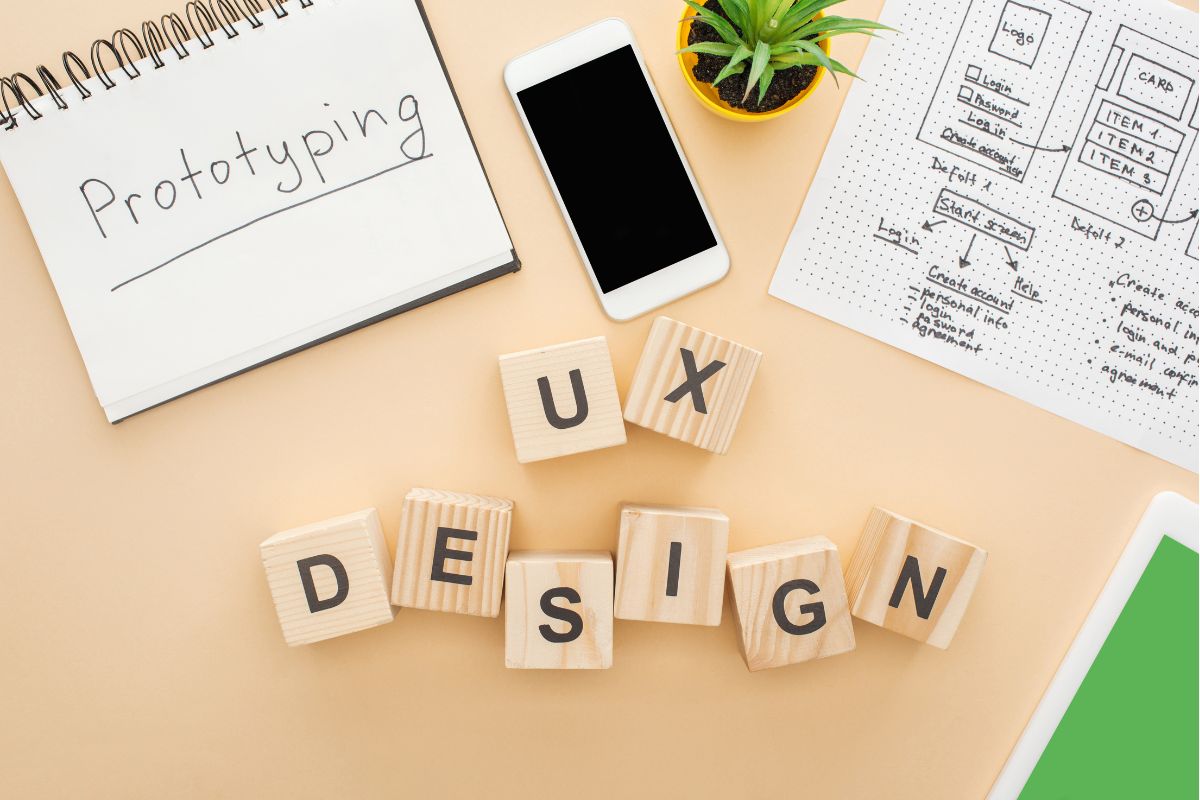
UX strategy defines flows, priorities, hierarchy, and logic. It determines what appears first, what appears next, and what should not appear at all.
It is invisible when done well.
For a foundational definition of UX as “all aspects of the end-user’s interaction with the company, its services, and its products,” see the Nielsen Norman Group.
UI: The Expression of Decisions
UI (User Interface) is the visual layer.
It answers:
- What does it look like?
- How does it feel?
- Is it consistent with the brand?
- Is it accessible and readable?
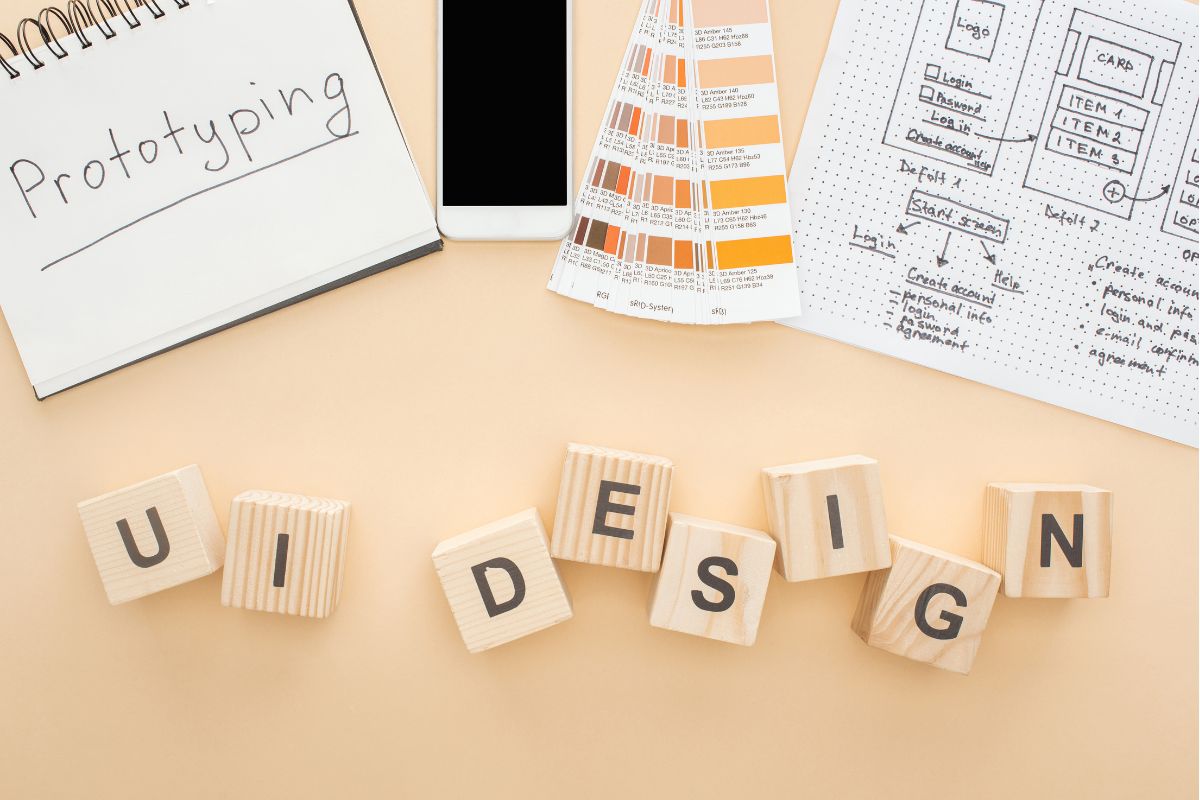
UI design differences matter. Visual clarity, spacing, contrast, and interaction states all influence usability. But UI operates within a structure already defined.
UI decorates decisions.
UX defines them.
For practical heuristics that guide UI, like visibility of system status, error prevention, and recognition over recall , see Jakob Nielsen’s usability heuristics at NN/g.
Where Strategy Really Lives
Many teams assume strategy lives in branding decks or marketing plans. In product design, strategy lives inside UX.
Strategy in UX Shows Up As:
- The order of information
- The number of steps in a process
- The clarity of microcopy
- The removal of unnecessary features
- The prioritization of user goals over internal preferences
When you choose to reduce a 6-step onboarding process to 3 steps, that’s strategy.
When you remove five fields from a checkout form because they don’t impact fulfillment, that’s strategy.
When you decide what the primary call-to-action should be based on behavioral data, that’s UX strategy in action.
UI makes it look good. UX makes it work.
Why Investing in UI Alone Doesn’t Fix Results
Here’s a pattern we see often:
- Metrics dip.
- Teams blame design.
- A visual redesign begins.
- Results barely move.
Why?
Because the problem wasn’t aesthetic. It was structural.
Example: The Beautiful Checkout That Still Fails
A retail brand redesigned its checkout page. Cleaner layout. Better typography. Updated color palette.
Cart abandonment stayed high.
A UX audit revealed:
- Hidden shipping costs revealed too late
- Forced account creation
- Confusing error states
None of those were UI problems. They were experiencing problems.
Once the flow was simplified and costs made transparent earlier in the journey, conversions improved.
The visuals didn’t change much. The structure did.
That’s the difference in UX vs UI impact.
Data point: e-commerce cart abandonment averages around 70% according to Baymard Institute’s long-running checkout usability research, a structural issue that design alone can’t fix.
How UX Carries Brand Intent
UX is not just functional. It communicates values.
A brand that promises simplicity but creates complex workflows creates distrust.
A brand that claims transparency but hides fees erodes confidence.
A brand that says it values time but requires redundant steps contradicts itself.
UX strategy is brand strategy expressed through interaction.
If your brand positioning says, “We make it easy,” your UX must remove friction.
If your brand stands for innovation, your flows must feel intuitive, not experimental.
This is where product design intersects with brand clarity.
For a broader view on why customer experience drives revenue growth, research from Forrester Research shows customer-obsessed companies tend to outpace peers in sales and loyalty, reinforcing that UX (part of CX) is a business lever, not just a design discipline.
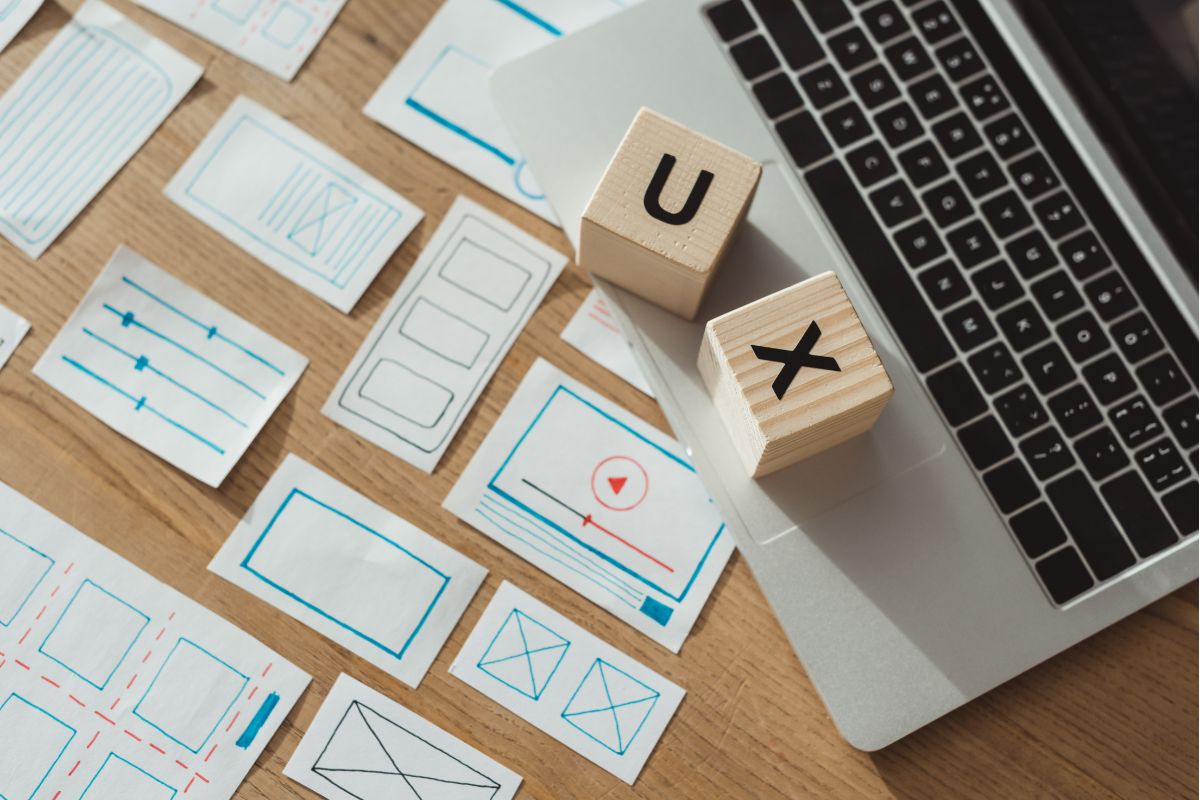
UX Strategy in Practice
It Starts with Research
Before colors and components, UX strategy begins with:
- User interviews
- Behavioral analytics
- Funnel analysis
- Task mapping
Without research, you are decorating assumptions.
Experts such as Luke Wroblewski and many mobile-first practitioners highlight research-driven prioritization as the bedrock of UX strategy.
It Continues with Prioritization
Not every feature deserves prominence.
UX defines:
- What is primary
- What is secondary
- What can be removed
Clarity is subtraction, not addition.
It Ends with Testing
Strategy is validated through:
- A/B testing
- Usability testing
- Heatmaps
- Conversion tracking
UX strategy is not theory. It is iterative decision-making.
Case study
Booking.com experimentation culture shows how continuous product testing (a UX practice) drives measurable conversion gains rather than one-off visual fixes. If your team isn’t measuring hypothesis outcomes, you’re guessing.
If you’re refining your digital presence, our Digital Experience Services focus on aligning interaction logic with business outcomes.
If users hesitate, the issue is rarely color.
It is usually clarity.
When users pause, scroll back, or abandon, they are signaling confusion. UX interprets that signal. UI responds visually, but cannot solve structural friction alone.
How to Diagnose Your Own UX vs UI Imbalance
Ask these questions:
- Did we redesign visuals before mapping user flows?
- Do we measure aesthetics or behavior?
- Have we validated our assumptions with real users?
- Are we optimizing for internal preferences or user goals?
If most improvements have been visual, but performance hasn’t shifted, your strategy may be living in the wrong place.
You may need to rethink structure, not style.
Case study
Airbnb’s multiple UX-focused redesign case studies (both internal and community analyses) show that small, structural UX changes (search filters, clearer host info, better microcopy) can boost booking flows more than purely visual redesigns. See UX Design coverage of Airbnb case work for examples and tactical changes.
Frequently Asked Questions
- What is the main difference between UX vs UI?
UX defines how a product works and how users move through it. UI defines how it looks and feels. UX is structural; UI is visual.
- Can good UI compensate for poor UX?
No. Strong visuals can temporarily mask friction, but they cannot eliminate confusion, unnecessary steps, or broken logic. Evidence from checkout usability research and ecommerce analytics supports this.
- Where does UX strategy fit into product development?
UX strategy should begin before design execution. It informs wireframes, feature prioritization, and interaction flows before UI styling begins.
- Is UX part of brand strategy?
Yes. Every interaction reinforces or contradicts brand promises. UX operationalizes brand values inside the product experience. Forrester’s work ties customer experience investments to revenue outcomes.
- Should UX and UI be handled by the same team?
They should collaborate closely. However, strategic UX thinking must lead before visual execution begins.
Final Thoughts
If your product looks polished but performance hasn’t improved, the issue isn’t visual—it’s structural.
UI can’t fix decisions that were never strategically defined. UX can.
At Adessi, we help teams uncover what’s causing friction, restructure user journeys, and design experiences that guide clearer decisions and measurable results.
→ See how our UX design services work.
→ Talk to our team about your product goals.
Because when structure is right, performance follows.