

Graphic Design Systems vs One-Off Assets
Last month, a marketing lead I know approved a “quick” social post. It looked fine until the next post went out with a different shade of blue, a different button style, and a headline that felt like it belonged to another company.
No one did it on purpose. The team was moving fast. They were grabbing whatever worked “right now.”
That’s the real problem: one-off assets solve today’s task, but they quietly create tomorrow’s mess. And the mess shows up as slow production, constant revisions, and a brand that looks slightly different everywhere.
A graphic design system fixes that by turning your visuals into something you can repeat, scale, and trust, without making design feel like paperwork.
What you’re really choosing: speed today vs speed over time
A one-off asset is like cooking one meal with whatever is in the fridge. You can make it work. But you can’t scale it.
A brand design system is more like a stocked kitchen with labelled containers, a few go-to recipes, and tools placed where your hands expect them. You still cook different meals, but you’re not starting from scratch every time.
One-off assets (what they do well)
One-offs are useful when:
- You’re testing a new idea and don’t want to overbuild.
- You need a one-time event design with zero future reuse.
- You’re still discovering your brand direction.
Even Nielsen Norman Group notes a real barrier: teams may see projects as “static, one-off creations” and assume reusable components aren’t needed.
Graphic design systems (what they do better)
A design system is “a complete set of standards intended to manage design at scale using reusable components and patterns.”
In plain terms: it’s your visual playbook + reusable building blocks, so your team can produce more without breaking consistency.
Graphic design systems (what they do better)

When leaders ask for faster turnaround, what they often mean is:
- fewer revisions
- fewer questions
- fewer “can you fix this real quick?” messages
- fewer brand cleanups later
That’s exactly what systems are built to do.
Data points that connect to real outcomes
- A Lucidpress study (via PR Newswire) reported that consistent branding can increase revenue by 33%, and that 81% of companies still deal with off-brand content.
- A Marq/Lucidpress-based summary reports 85% of organizations say they have brand guidelines, but only 30% say they’re enforced, leading to 77% of brands ending up with off-brand content.
- Bynder’s 2021 research (1,600 marketing + creative professionals) found that maintaining brand consistency was a top concern (third, at 17%).
These aren’t “design stats.” They’re operational signals: when consistency is hard, production slows and quality slips.
Case studies of what systems change in the real world
You don’t need a massive company to benefit from systems. But it helps to see what “good” looks like at scale.
IBM Carbon (system adoption tied to conversion + speed)
IBM’s Commerce Platform team transitioned their checkout flow to Carbon over a period of 3 months. After implementation:
- their delivery cycle sped up,
- they spent less time on QA,
- and their conversion rate increased by 5% (with “more than 50% of customers converting to purchase,” aligning with industry benchmarks).
That’s the system doing what systems do: reducing rework and making execution more reliable.
Atlassian (systems as a scaling tool, not a constraint)
Atlassian frames its design system as a way to scale across apps with centralized, reusable components and to improve efficiency by helping designers and developers reuse dependable building blocks.
It’s also notable that Atlassian explicitly includes “what people say” about the system, highlighting speed, accessibility, and reduced learning curves between components.
Shopify Polaris (consistency for partner ecosystems)
Even outside internal teams, systems matter. Shopify’s ecosystem relies on partners building apps that still feel coherent inside Shopify. Polaris is positioned as the tool that helps developers keep apps consistent as features scale.
Where systems go wrong (and how to avoid it)
A fair critique is: design systems can become bureaucracy, a museum of rules no one uses.
Nielsen Norman Group calls out real hurdles:
- creating and maintaining a system is time-intensive and needs ownership,
- it takes time to teach people to use it,
- teams may underestimate reuse and miss efficiency gains.
The practical fix: treat it like infrastructure
Infrastructure is only “in the way” when it’s badly designed.
A usable graphic design system is:
- small enough to adopt (start with the 20% used 80% of the time)
- clear enough to follow (templates beat long documents)
- owned by someone (if nobody maintains it, it decays)
- connected to workflows (where people already work: templates, libraries, handoff files)
What to include in a graphic design system (minimum viable)
Think of it as three layers:
1. Foundations (the rules that prevent drift)
- color palette + usage rules
- typography + hierarchy
- spacing, grids, layout rhythm
- image style guidelines (photo, illustration, icon rules)
2. Components (reusable building blocks)
- buttons, badges, banners
- content blocks (feature callouts, quote cards, stat panels)
- icon set rules
3. Templates (where speed actually comes from)
- social post layouts
- ad formats
- pitch deck slides
- email header/footer modules
If your team keeps asking, “Do we have a version of this?”, that’s your system trying to exist. It just hasn’t been named yet.
Frequently Asked Questions
1, Do I need a design system if I’m not a tech company?
Yes, because this isn’t only for UI. A graphic design system applies to social media, decks, ads, web pages, and print. The goal is visual consistency and faster production.
2. Isn’t this just “brand guidelines”?
Guidelines explain rules. A graphic design system includes rules, reusable parts, and templates, so your team can build quickly without guessing.
3. Won’t a system limit creativity?
A good system limits avoidable decisions (spacing, fonts, basic layout), so creativity can go into the message, concept, and story.
4. What’s the fastest way to start?
Start with what you produce most often (usually social + decks). Build 5–10 templates, lock the basics (type, color, spacing), and refine as you ship.
5. How do I prove ROI internally?
Track: turnaround time, revision rounds, QA/design cleanup time, and how often assets go “off-brand.” Those are the costs systems reduce.
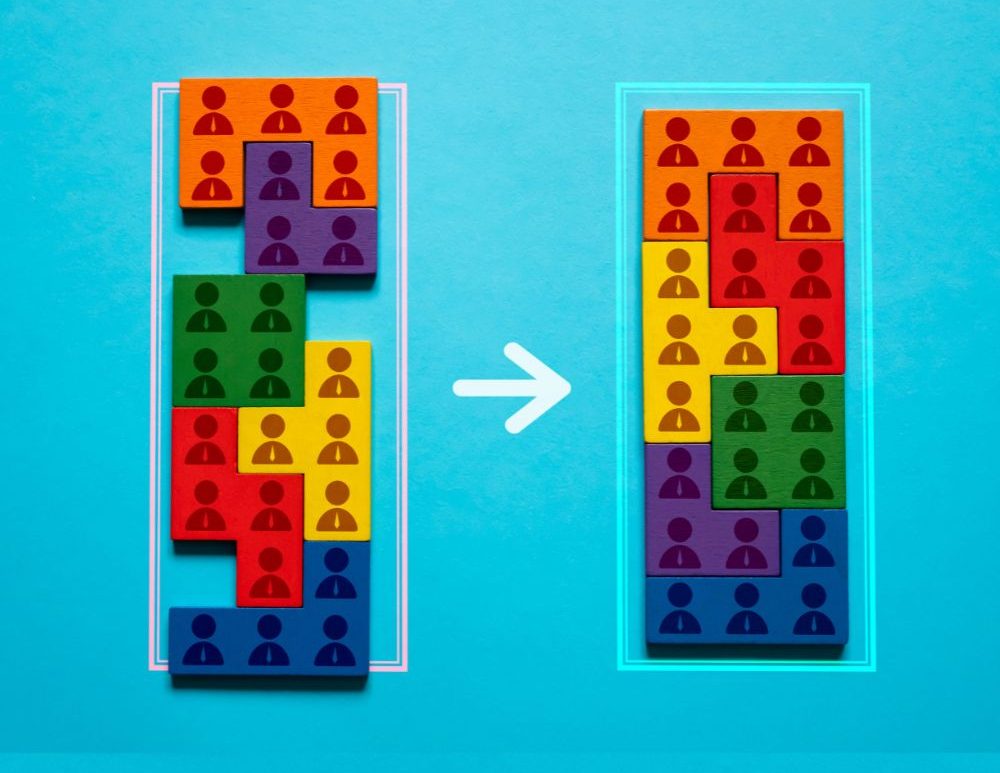
If your team is tired of slow design cycles and “slightly different” visuals everywhere, Adessi can help you build a brand design system that feels like infrastructure, not red tape. Explore how Adessi translates brand strategy into a scalable design your team can actually use.