
Accessible Design Branding: Why Inclusion Is a Brand Decision, Not a Compliance Task
A potential customer lands on your website. They can’t read the text because the contrast is too low. They can’t navigate the menu because it doesn’t work with a keyboard. They leave. You never know they were there.
This isn’t a rare scenario. It’s happening right now, across millions of websites, to millions of people. And the brands losing those visitors aren’t just losing traffic, they’re sending a message about who matters to them.
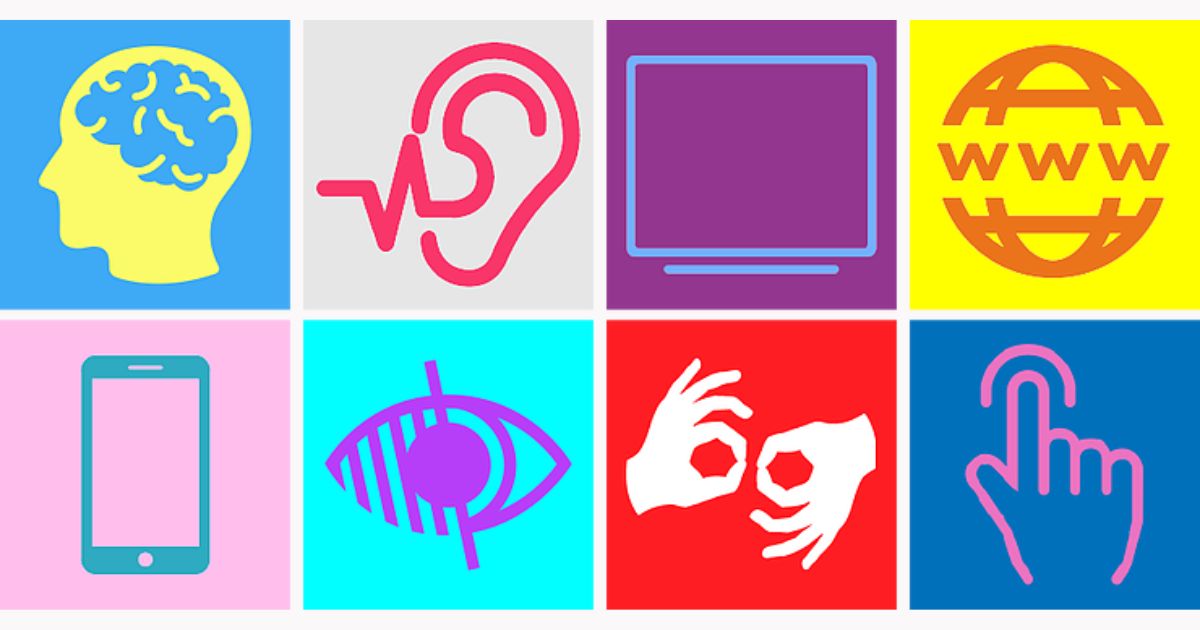
When founders and product owners hear “accessibility,” most picture a narrow set of accommodations for a small group of users; the numbers tell a different story.
The World Health Organization estimates that 1.3 billion people, 16% of the global population, or 1 in 6, experience a significant disability. That number is growing, driven by aging populations and the rise of chronic health conditions. This isn’t a niche demographic. It’s a market segment larger than Europe’s population.
And yet, the digital world hasn’t kept pace. The 2026 WebAIM Million study, an annual analysis of the top one million homepages on the web, found that 95.9% of those pages had detectable WCAG 2 accessibility failures. An average of 56.1 errors per page. Not complex, hard-to-catch issues buried in backend code. The six most common error types, low-contrast text, missing alt text on images, empty links, missing form labels, empty buttons, and missing document language, have been the same for seven years running.
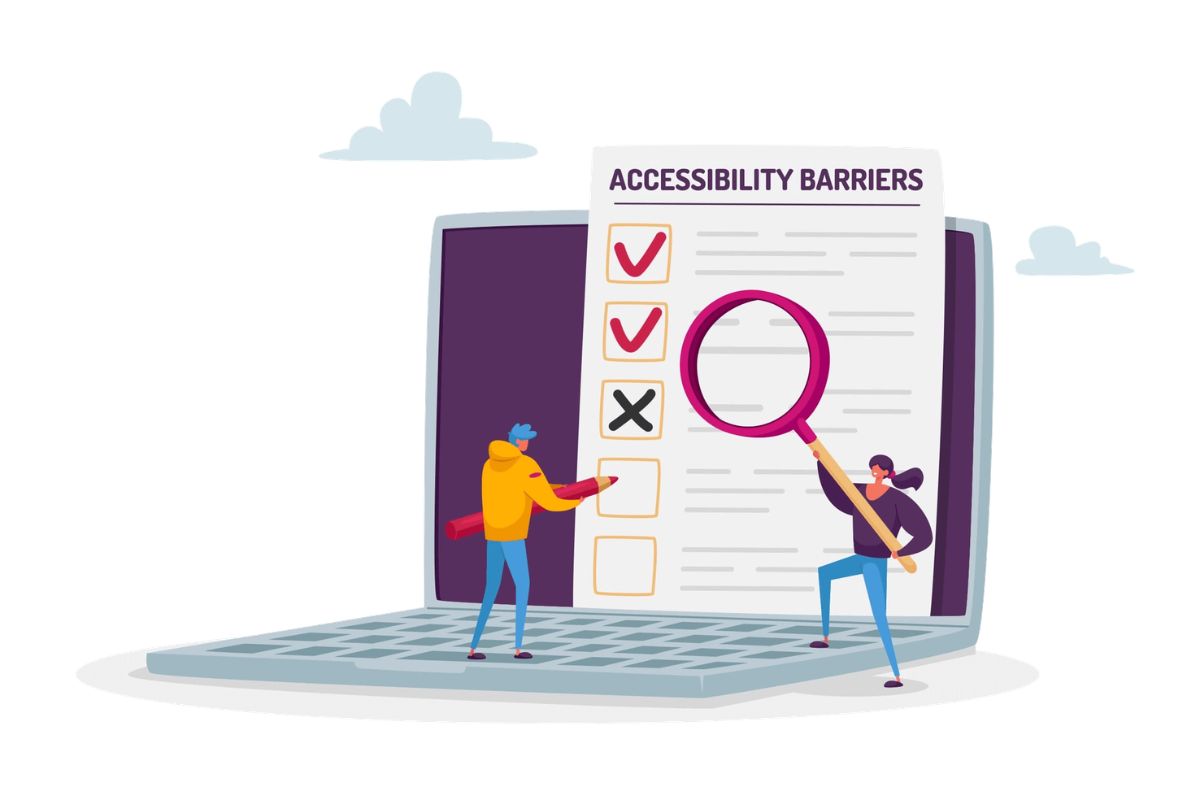
These are basic UX decisions. And the majority of the web is still getting them wrong.
For founders and product owners, this means something specific: the barrier between your brand and a significant portion of your potential audience isn’t awareness or marketing spend. It’s your own interface.
Why Accessibility Is a Brand Statement
Accessibility is often filed under “compliance”, a legal checkbox, a risk to mitigate, a task for the dev team. That framing misses the point entirely.
Every design decision your brand makes is a statement about who you’re building for. When your website works only for people who can see every color, use a mouse, and read small text, that’s a statement. It may not be intentional, but your users don’t know that. They just experience the result.
The Click-Away Effect
The Click-Away Pound Survey, a UK-based study examining the online shopping experience of disabled consumers, puts concrete numbers to this exclusion. Their 2019 findings showed that 69% of users with access needs will simply leave a website that presents barriers, and take their spending elsewhere. The lost revenue from these “click-aways” totalled an estimated £17.1 billion in the UK alone.
What makes this particularly costly is the silence. Only 8% of users who encounter accessibility barriers will contact the site owner about the problem. The other 92% just disappear. They don’t fill out feedback forms. They don’t file complaints. They click away and you never see them in your analytics.
For brands that talk about being “customer-first” or “people-centred,” this is a credibility gap. If your digital experience excludes a significant portion of the population, those values aren’t visible where they matter most, in the experience itself.
Solve for One, Extend to Many
One of the most practical reframings of accessible design comes from Microsoft’s Inclusive Design Toolkit, first released in 2015 and since downloaded by millions of designers and product teams worldwide. The toolkit is built on three principles: recognize exclusion, learn from diversity, and solve for one, extend to many.
That third principle is where the business case becomes undeniable. Disability isn’t a fixed category. It exists on a spectrum, permanent, temporary, and situational. A person with one arm has a permanent motor limitation. A person with a broken wrist has a temporary one. A new parent holding a baby has a situational one. All three benefit from a design that works with one hand.
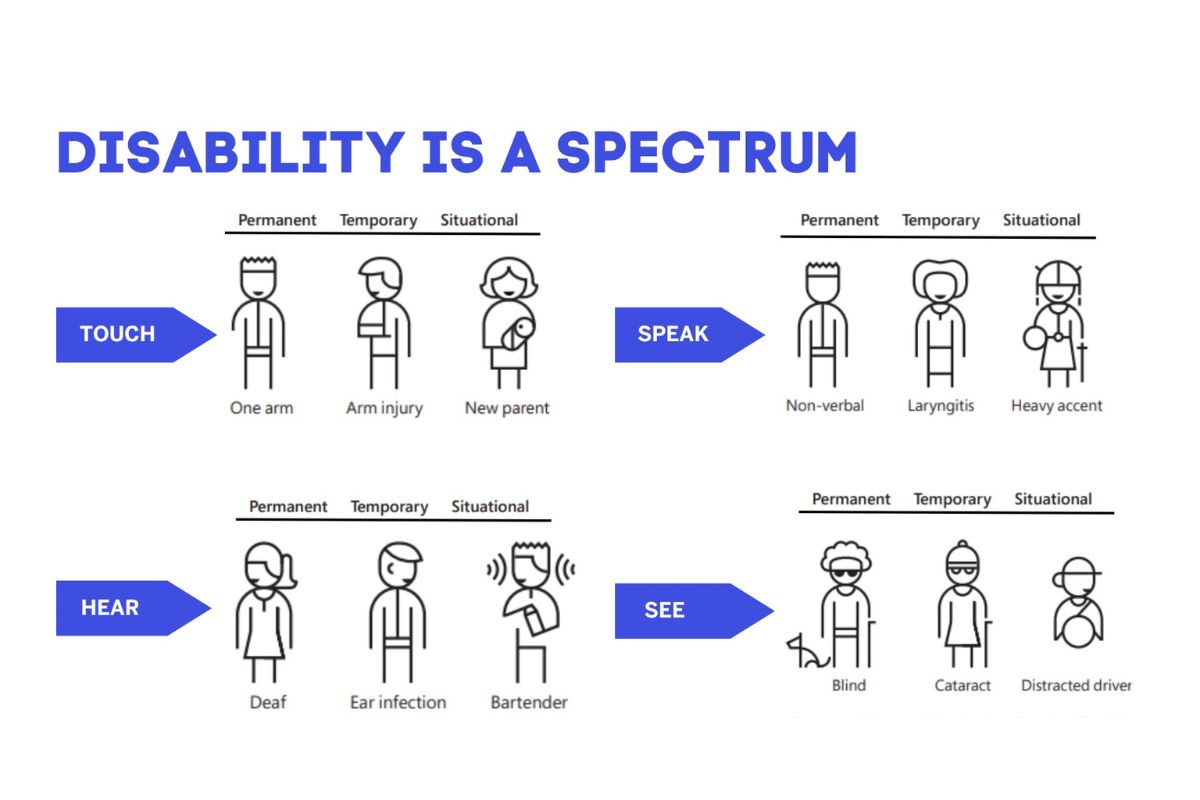
Inclusive Design Creates Better Products for Everyone
This is the part that reframes accessibility from a concession to a competitive advantage. The design choices you make to include people with disabilities almost always improve the experience for everyone else:
Captions were built for Deaf and hard-of-hearing viewers. Today, 80% of caption users have no hearing loss, they’re watching in noisy environments, learning a new language, or simply retaining more information by reading along.
High-contrast text serves users with low vision. It also serves anyone reading a screen in bright sunlight.
Keyboard navigation supports users who can’t operate a mouse. It also supports power users who prefer keyboard shortcuts for speed.
Clear, simple language helps users with cognitive disabilities. It also helps anyone in a rush, anyone reading in their second language, and anyone making a quick decision under time pressure.
When you design for the edges, you strengthen the centre.
Where to Start: A Practical Accessibility Baseline
If accessibility feels overwhelming, it’s probably because you’re trying to solve everything at once. You don’t need to. Start with the areas that cover the largest portion of your audience and the most common failure points.
Fix the Six
The WebAIM Million data makes prioritization easy. Over 96% of all detected errors fall into six categories: low contrast text, missing image alt text, empty links, missing form labels, empty buttons, and missing document language. Fix these six across your website and you’ve addressed the vast majority of detectable accessibility barriers.
Audit Your Highest-Traffic Pages First
You don’t need to audit every page on day one. Start with the pages your audience sees most, your homepage, key landing pages, product or service pages, and contact forms. These are the pages where accessibility failures have the highest cost.
Build It Into Process, Not Onto Product
Accessibility retrofits are expensive and incomplete. The most effective approach is to integrate accessibility into your design and development process from the start, the same way you’d integrate brand guidelines or content standards. It becomes part of how your team works, not a separate workstream that competes for budget.
Frequently Asked Questions
Is accessibility really a brand issue, or is it just a development task?
It’s both, but brand owns the “why.” Developers implement accessible code, but the decision to prioritize accessibility, to define it as a standard, not a feature request, is a brand and leadership decision. Your brand experience includes every interaction a person has with your product or service. If that experience excludes people, that’s a brand problem.
Does accessible design mean our website will look bland or basic?
No. Accessible design is a constraint, not a limitation. The same way a brand color palette constrains your visual choices without making your brand boring, accessibility standards guide design decisions without restricting creativity. Some of the most visually engaging brands on the web, Apple, Stripe, GOV.UK, are also among the most accessible.
Where do we start if our product was built without accessibility in mind?
Start with an audit of your most critical user flows, the paths your users take most often. Identify the six most common failure types (contrast, alt text, labels, links, buttons, and language), fix those first, and then build accessibility checks into your QA and design review process going forward.
How does accessible design affect SEO?
Significantly. Accessibility and SEO share the same technical foundations: semantic HTML structure, descriptive headings, meaningful link text, image alt text, and clean code. When you build for accessibility, you simultaneously build for search engine crawlers. Accessible sites tend to perform better in search rankings because the same structural clarity that helps assistive technologies also helps search engines understand and index your content.
What’s the business risk of ignoring accessibility?
Beyond the ethical dimension, the risks are concrete. In the US, ADA-related website lawsuits have increased significantly year over year. In the EU, the European Accessibility Act is expanding compliance requirements. And in practical terms, every inaccessible page is a page that turns away potential customers, silently, without warning, and without any record in your analytics.
Accessible Design Is a Signal of Respect
The brands that take accessibility seriously aren’t doing it because they’re afraid of lawsuits. They’re doing it because they’ve made a decision about the kind of brand they want to be, one that takes people seriously, designs with intention, and doesn’t accept “most people can use it” as a good enough standard.
Accessibility isn’t the absence of exclusion. It’s the active practice of inclusion. And that practice, when it’s embedded in your brand, says more about your values than any mission statement ever could.
Ready to Make Accessibility Part of Your Brand Standard?
If your team treats accessibility as an afterthought, the first step is making it part of the conversation, not as a compliance task, but as a brand commitment. Adessi helps founders and product owners build digital experiences that work for everyone, by design.